
Searching Neosho Cases by Name
Your first stop is Kansas CaseSearch, the district court's current public destination. Type a party name and you may get several cases back. Slow down at that point. Check the location, case number, type, filing date, judge, and the person's role in each result, because a shared name alone never proves you found the right Neosho case.
- Select Neosho as the location when that filter is available.
- Choose party name or business name as the search type. The older official guide treats them as distinct paths.
- Enter the most exact name known, then add a filing-date range or status only if results are broad.
- Submit the search and compare every result field before opening the case detail.
- Read the events in date order and verify any near-term hearing with the court calendar or clerk.
The published Smart Search instructions describe the fields covered here. The newer branding may move or rename those fields, so trust the help text the interface itself displays.
| Field Label | Type | Required | Notes |
|---|---|---|---|
| Location | Dropdown | No | Select Neosho for a focused district search. |
| Search Type | Dropdown | Yes | Includes party, business, attorney, case, citation, and other published choices. |
| Record/Case Number or Name | Text | Yes | The search term depends on the chosen search type. |
| Case Type and Status | Dropdowns | No | Add only when needed to narrow results. |
| File Date Start/End | Date | No | A date window can reduce common-name matches. |
| CAPTCHA | Challenge | Conditional | The portal may require a human check. |
Kansas CaseSearch Starts Neosho Searches
Kansas CaseSearch took over from the old Kansas District Court Public Access Portal. Some 31st District resource links still carry the Public Access Portal label. Others point to the legacy address. That wording can make two links look like separate county databases. They are not. Both are stages of one statewide district access system, not independent Neosho repositories.
The legacy interface still helps you understand the search controls. But start a new search at CaseSearch. Remember what a portal result is: a publication layer, nothing more. The keeper of the actual Neosho court file is District Court Clerk Angie Walters. The legacy Kansas district public access source shows the older official route. A Neosho searcher may still run across it.
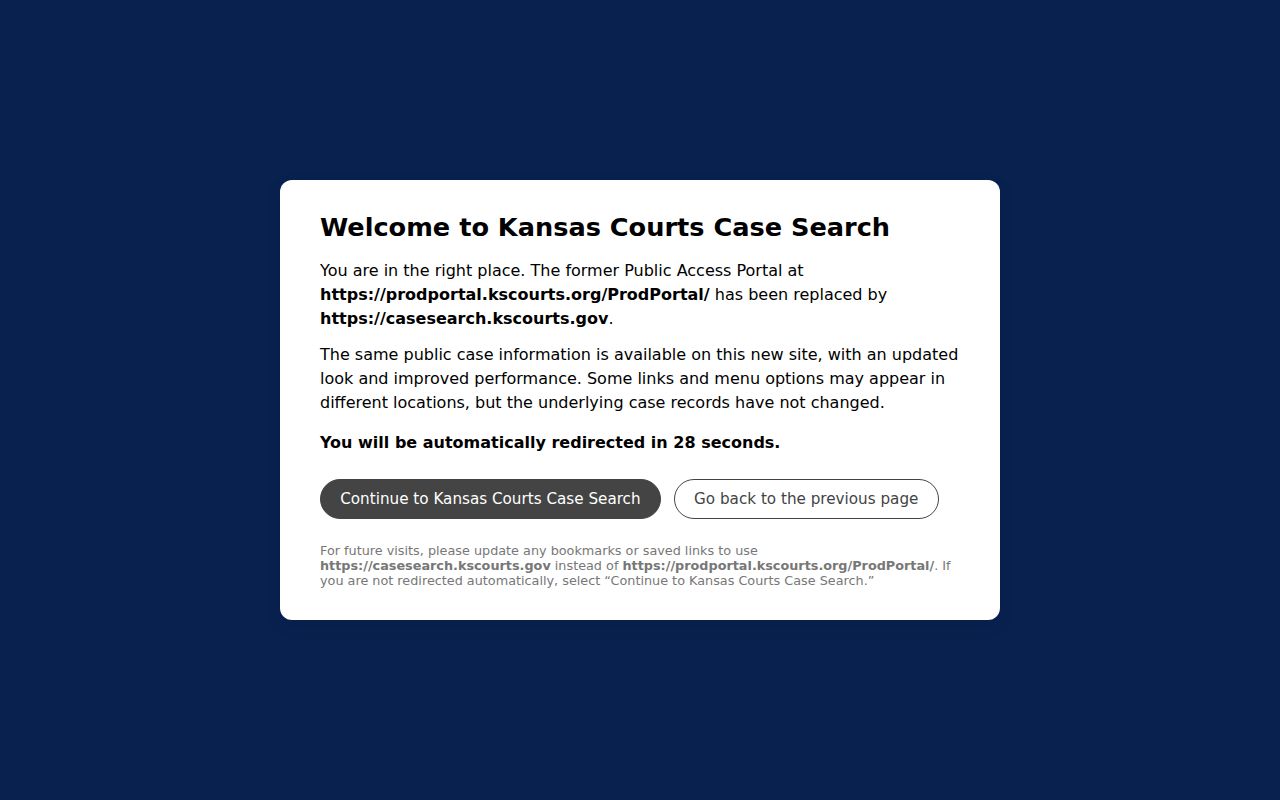
Use the older portal page to recognize that route when you meet it. Then let Kansas CaseSearch lead the search, and verify against the file when the record truly matters.
Searching Neosho Case Numbers
A case-number search beats a broad name search for speed and accuracy. Newer Neosho identifiers carry a county prefix, year, type code, and sequence, like NOC-2024-CR-000293. Here "NOC" means Neosho. "2024" is the year. "CR" is the observed criminal type code, and the last digits run the sequence. Other observed codes include CV, DM, LM, PR, and juvenile-related forms.
Older papers may show 2019CV25 or 2019-CR-000358 instead. If an exact search fails, try the punctuation exactly as printed. Then try a version with none. Never alter the number itself. Before relying on a result, confirm the county and case type match your document.
NOC Numbers Mark Neosho Cases
Neosho's shift from year-type numbering to county-prefixed numbers is a real search trap. A case keeps its legal identity no matter how a system displays it. Search the printed notice first. Then try the format variations spelled out in the official Smart Search guide.
If neither form works, hand the clerk the approximate filing year, case type, parties, and any number you know. Chanute holds many categories from 1955 forward. Erie keeps specified older civil and domestic files, plus probate, traffic, lien, and other categories. The filing division matters when a converted record sits at a terminal rather than online.
A case number also separates similarly named parties without exposing extra personal data. Copy it straight from the court notice or filed paper. Check every digit before you submit. Once the portal returns a result, compare its filing year and case type against your source document, because a neighboring sequence can belong to an unrelated case and a close number is not the same record.
What a Neosho Case Search Returns
A search result gives you case information, not every document. Kansas court sources draw a line between that index-like information and the pleadings, orders, and exhibits filed behind it. Treat the result as a route to the docket, never as a complete certified file.
| Case Number | The unique identifier, such as NOC-2024-CR-000293. |
|---|---|
| Style / Parties | The caption and public party roles, subject to access restrictions. |
| Case Type | The district category, such as criminal, civil, domestic, limited civil, or probate. |
| Filed Date | The date the case was filed, not the date every later event occurred. |
| Status | The portal's current status label, which should be read with the event history. |
| Events | Chronological filings, settings, results, or disposition entries made public. |
"Filed" is not "decided." "Scheduled" is not "completed." When formal proof matters, a dismissal event on the docket will not replace the signed journal entry. For a specific document or certified copy, use the Neosho County court records route.
Neosho Information Is Not Documents
The official Kansas records explanation draws the key line between case information and court records. A public result may list parties, attorneys, the judge, hearings, status, and docket events. Whether a document itself is available is a separate question. Records predating a court's eCourt start may be missing online. Yet they can be reachable at a courthouse kiosk. The official Kansas district court records explanation shows this assigned source distinction.
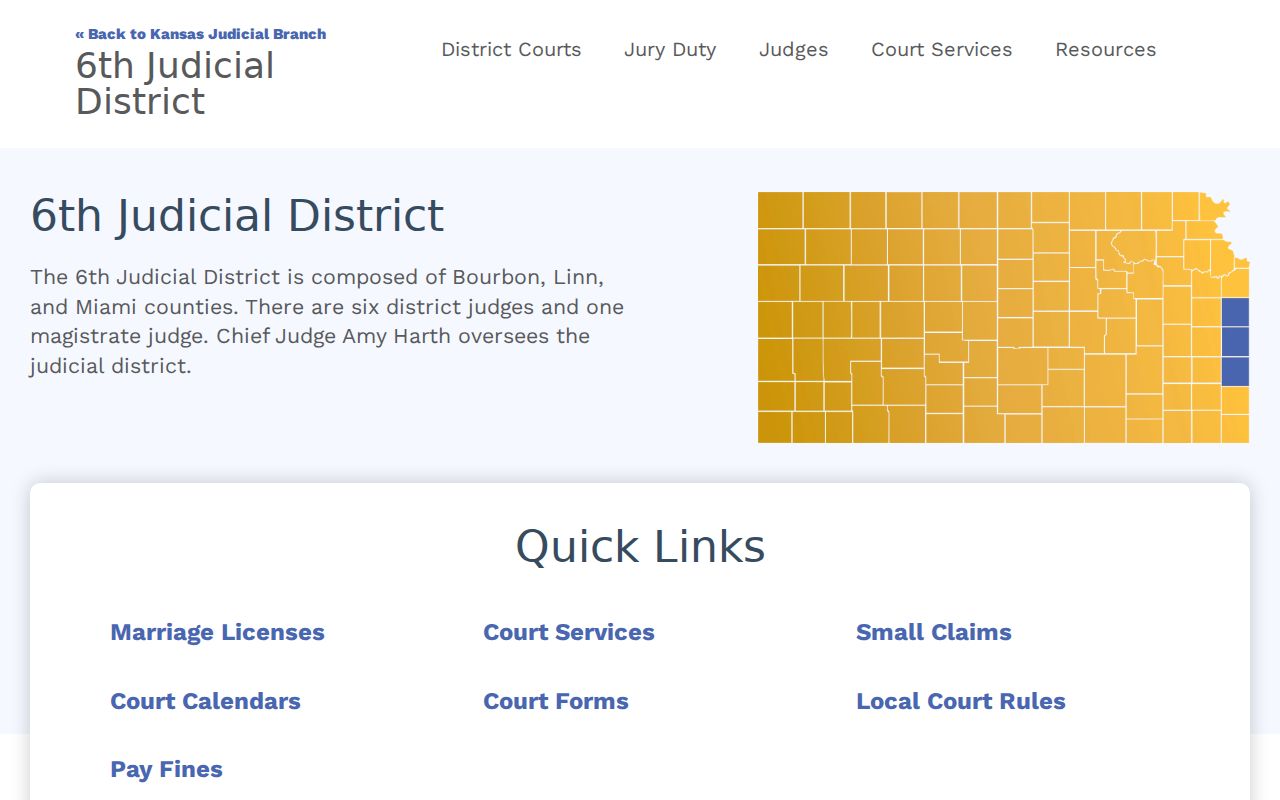
That distinction is why a Neosho case can show up in search while a motion, citation image, or older order stays undownloadable.
Statewide vs County Case Search
Neosho County publishes no separate full local case database. Kansas CaseSearch serves as the statewide district layer. The 31st District calendar handles the local setting layer. The Chanute and Erie clerks and terminals form the file-access layer. The systems overlap, but each answers a different question.
| Kansas CaseSearch | Neosho Court Channels |
|---|---|
| Searches participating Kansas district case information. | CalendarOJA focuses on scheduled 31st District hearings. |
| Best for a number, party, filing date, status, and event search. | Clerk counters and terminals handle eligible missing or converted records. |
| May expose eligible document links under Rule 22. | The clerk can quote copy and certification procedure. |
City traffic tickets and municipal ordinance cases live in that city's own court, unless the matter has since moved into district court. A federal case belongs in PACER instead. So before reading a failed result as proof of nothing, pin down the court level. And remember that a payment portal is not a full district docket, even when it does locate a citation.
Appellate Search Is Not Neosho Search
Kansas runs a second, separate portal for appeals. That one belongs to the Kansas Supreme Court and the Kansas Court of Appeals. It has nothing to do with the Neosho District Court trial docket. The search screen asks for court, search type, a search term, case type, and filing dates. It also wants a human check before it runs. Guest entry and expanded access work differently there too, so the two systems never overlap. The official Kansas appellate public access portal shows what that separate appellate source looks like.
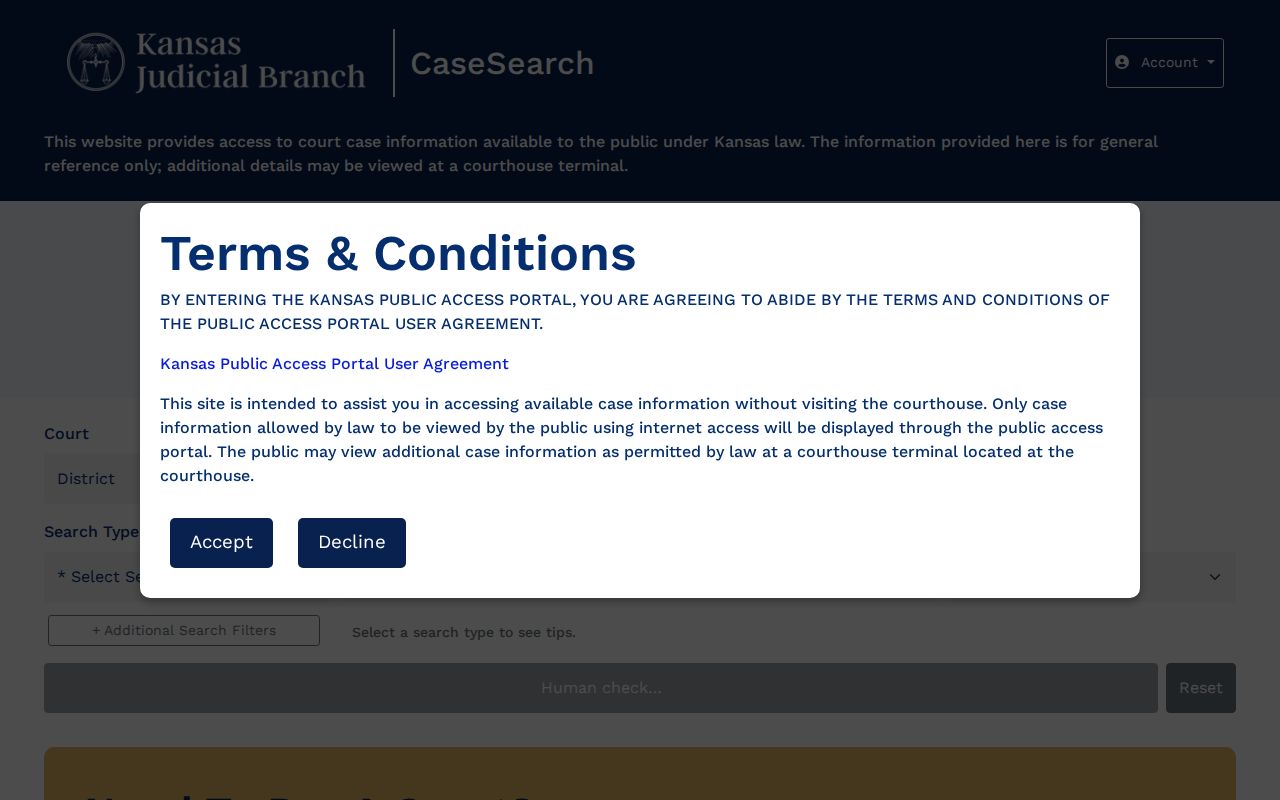
Save the appellate portal for cases already on appeal. A Neosho County district case stays a district case search, even if a party talks about seeking review later. Appeal is a status, not a guess.
Neosho Access and Restricted Cases
Kansas Supreme Court Rule 22 defines what the public may see. It also lists the cases and documents held back. Sealed matters can be restricted. So can expunged records, some juvenile files, adoption records, certain care and treatment matters, and protected documents. Walking into the courthouse changes none of that.
Other rules fill in the rest of the picture. Rule 25 grants expanded access to approved roles. That is not the same as ordinary guest access. Rule 24 protects personally identifiable information. Rule 23 governs filing designations and sealed material. Never try to bypass a restriction. Ask the clerk for the lawful request route, or obtain a court order where one is required.
Sometimes a sealed marker shows up in the public calendar. It sits where names and detail would normally appear. That marker is helpful, since it explains why a docket search cannot be finished from public fields. It is not an invitation to guess what lies behind it. Juvenile access turns on Kansas law and the record category. Bring the case number to the clerk with any lawful access question. Do not ask staff to disclose protected facts.
When Neosho Search Fails
Start with the basics when a Neosho County docket search stalls. Check the court level and the case number format. Then narrow by Neosho and filing dates. If the need is a hearing date, search the district calendar. A calendar date is not a final disposition. Still stuck? Call Chanute at 620-431-5700 or Erie at 620-244-3831, or use the public terminal during counter hours.
A written record request should name the case number, the document, and the approximate date. Add the copy type and delivery choice. Do not send the Neosho County Clerk's administrative record forms for a district case. Municipal clerks hold city-court records, and the federal clerk handles federal cases. Asking the right office is half of any sound case lookup. Keep the search result and any certified document separate. They serve different purposes. Confirm final status with the clerk where the case began.
Note: A missing online result does not prove that no public Neosho County court record exists.